Ready to Quit Facebook? Here’s Exactly How to Delete Your Account

Quick Summary
- Permanently delete your account to protect your personal data
- Save photos, posts, and memories before deletion
- 30-day grace period allows cancellation of deletion
- Unlink third-party apps to prevent interruptions
- Complete data removal may take up to 90 days
Feeling overwhelmed by social media noise or uneasy about how your data is used? Deleting your Facebook account is a powerful step toward reclaiming your digital privacy and embracing a simpler, more intentional online life. Whether it’s the constant stream of notifications, concerns over data breaches, or a desire for a full digital detox, this 2025 guide provides a clear, actionable roadmap to leave Facebook for good. Packed with expert tips, troubleshooting advice, and the latest privacy insights, we’ll help you navigate the process with confidence.
Table of Contents
Why Delete Your Facebook Account?
In 2025, the push for digital privacy is stronger than ever. A 2025 Pew Research study found that 65% of social media users distrust how platforms like Facebook handle their personal data, citing concerns over targeted ads, data leaks, and invasive tracking. For many, deleting their account is a way to break free from the noise, reduce screen time, and regain control over their digital footprint.
Unlike deactivation, which merely hides your profile while keeping your data on Facebook’s servers, permanent deletion erases your posts, photos, and personal information after a 30-day grace period. This aligns with the growing trend of digital minimalism, as highlighted by platforms like Trendsnip, where users are prioritizing mental clarity and privacy.
Pro Tip: Deleting your account can reduce digital clutter, improve focus, and even boost your mental well-being by cutting out unnecessary online distractions.
Deletion vs. Deactivation: Know the Difference
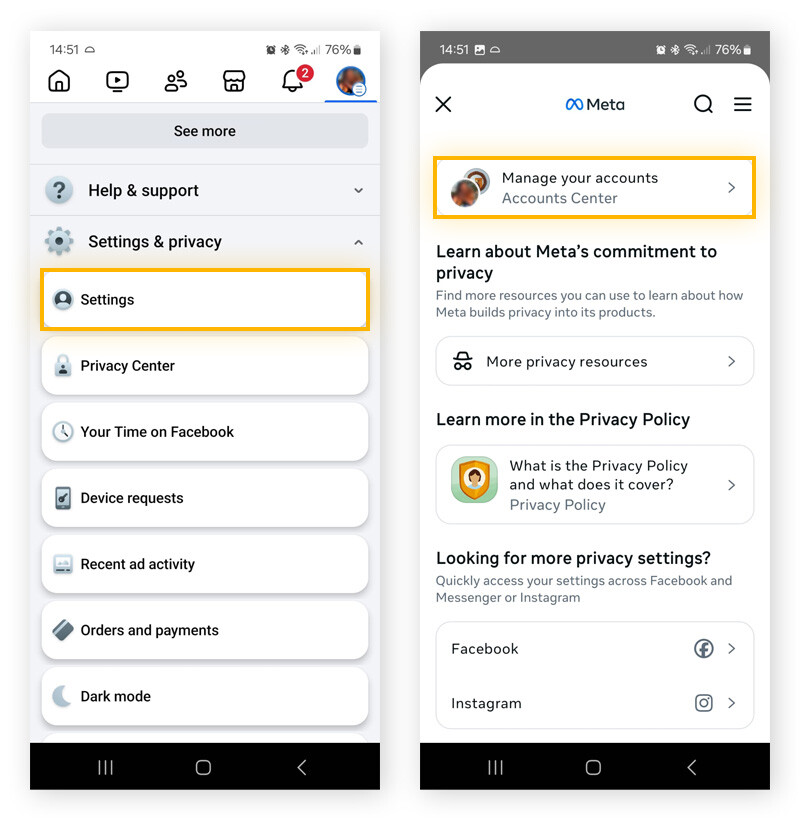
Deactivation is a temporary pause—your profile disappears from public view, but your data remains stored, ready for reactivation at any time. Deletion, on the other hand, is a permanent choice that wipes your profile, photos, posts, and personal data from Facebook’s servers after a 30-day grace period. This ensures your information is no longer accessible to the platform or third parties.
Expert Insight: Take a moment to decide if you want to keep any memories, like old photos or posts. Facebook’s data download tool makes it easy to preserve what matters most before you delete.
Back up your photos, posts, and messages before deletion to avoid losing cherished memories.
Step-by-Step Deletion Process
Ready to leave Facebook behind? Follow these updated 2025 steps to permanently delete your account, with expert tips to ensure a smooth and hassle-free process.
Step 1: Back Up Your Data
Before deleting, save your photos, posts, messages, and other data to keep your memories safe:
- Navigate to Settings & Privacy > Settings > Privacy > Your Facebook Information > Download Profile Information.
- Select specific data to save, such as photos, posts, or messages, and choose HTML format for easy access.
- Submit the request—processing time varies from hours to days, depending on your account’s size.
Expert Insight: Store your downloaded data on an encrypted external drive or a secure cloud service like Google Drive or iCloud to keep it safe from unauthorized access.
Step 2: Initiate the Deletion Process
Start the permanent deletion process with these steps:
- Go to Settings & Privacy > Settings > Privacy > Your Facebook Information > Deactivation and Deletion.
- Select Delete Account and click Continue to Account Deletion.
- Enter your password and follow the prompts to confirm.
Pro Tip: Double-check that you’ve selected “Delete Account” instead of “Deactivate Account” to avoid accidentally pausing your profile.
Step 3: Confirm and Stay Logged Out
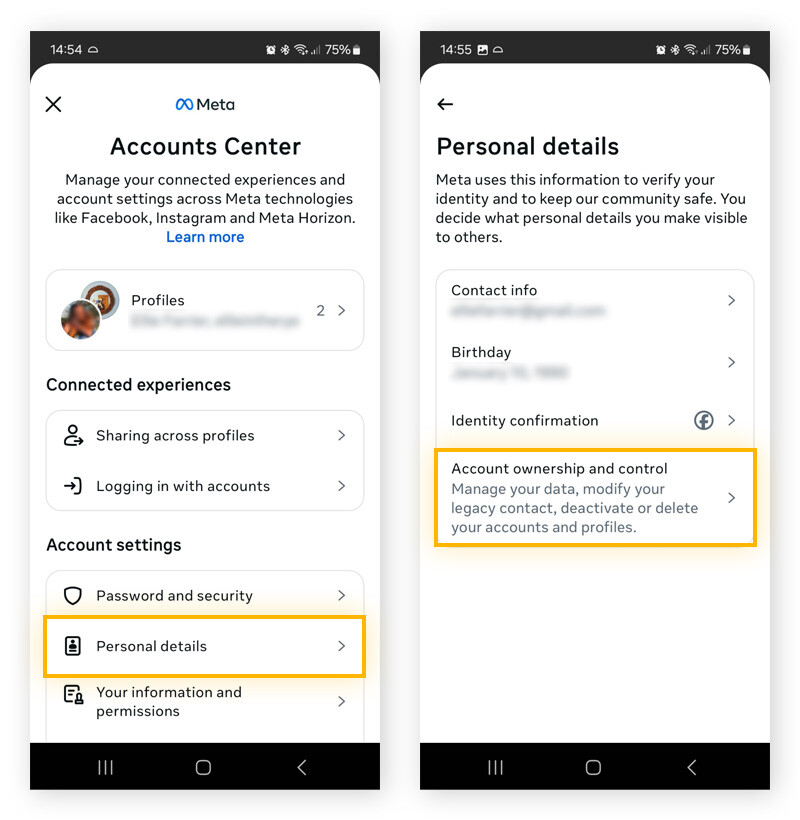
After confirming deletion, Facebook provides a 30-day grace period during which you can cancel by logging back in. To ensure the process completes, avoid accessing Facebook through the app, website, or connected services like Spotify or Pinterest. Your profile will vanish from public view immediately, but full data removal may take up to 90 days.
Expert Insight: Set a calendar reminder or use a digital detox app like Freedom to avoid accidental logins during the grace period, which could restart the process.
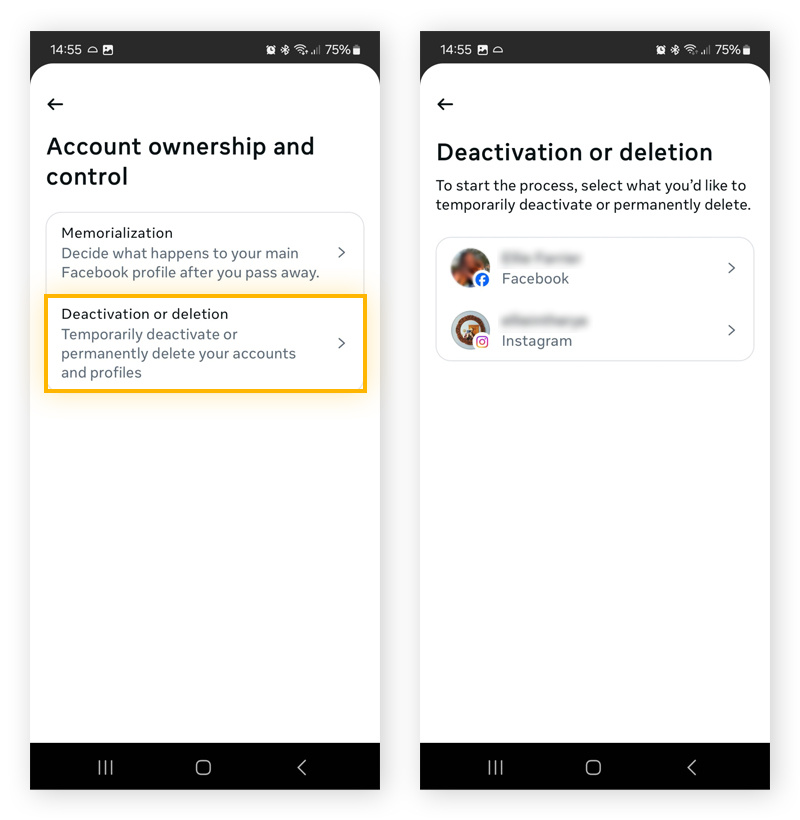
| Step | Action | Pro Tip |
|---|---|---|
| Back Up Data | Download photos, posts, messages | Use HTML format for easy viewing |
| Initiate Deletion | Navigate to Settings > Delete Account | Confirm deletion, not deactivation |
| Confirm & Wait | Enter password, avoid logging in | Use a reminder to prevent reactivation |
Troubleshooting Common Issues
Running into roadblocks? Don’t worry—here’s how to tackle common challenges during the deletion process to ensure a smooth exit from Facebook.
Forgotten Password
If you can’t log in to start the deletion process, click the Forgot Password link on the login page and use your registered email or phone number to reset it. If you’ve lost access to both, contact Facebook’s Help Center for account recovery options.
Pro Tip: Update your email and phone number in your account settings before initiating deletion to avoid access issues down the line.
Third-Party App Connections
Apps like Instagram, Spotify, or gaming platforms linked to your Facebook account can trigger accidental logins, which may cancel the deletion process. To prevent this:
- Go to Settings > Apps and Websites.
- Review and remove all connected apps and services.
Expert Insight: Before deleting, set up alternative login methods (e.g., email or phone) for apps like Spotify or Pinterest to maintain access to your accounts.
Disconnect third-party apps to avoid accidental reactivation during the 30-day grace period.
What to Expect After Deletion
Once your account is deleted, your profile, posts, photos, and most personal data will be permanently removed from Facebook. Messages you’ve sent to others may still appear in their inboxes, and residual data could take up to 90 days to be fully erased from Facebook’s servers. You’ll also lose access to any services that rely on Facebook Login, so update credentials for apps like Spotify, Pinterest, or other platforms beforehand.
Pro Tip: After deletion, explore privacy-focused social platforms or resources like Trendsnip to maintain a secure and intentional digital presence.
Latest Privacy Updates
EU’s 2025 GDPR Update Empowers Users
The EU’s 2025 GDPR update introduces stricter regulations, mandating simpler account deletion processes and greater transparency in data practices. Social media platforms now face hefty fines for non-compliance, giving users unprecedented control over their personal information.
68% of Users Demand Data Transparency
A 2025 global survey found that 68% of social media users want clear, accessible data usage policies. Advocacy groups are pressing platforms like Facebook to streamline deletion processes and provide detailed data reports to empower users.
Digital Detox Apps Gain Traction
Digital detox tools like Freedom and StayFocusd reported a 50% surge in usage in 2025, reflecting a growing movement toward reduced screen time, improved mental health, and enhanced privacy.
Ready to take control of your digital privacy? Delete your Facebook account today and explore more expert tips at Trendsnip. Want to delete your Instagram account too? Check out our step-by-step guide for deleting your Instagram account.
About the Author